VideoTrimmer
A downloadable tool for Windows
Everytime I use OBS or some other video capture software I always capture more than I want to share or keep. Up until now I used DaVinci Resolve or Adobe After Effects to trim the start and end and render to a new video file. After years of bloat and overkill I wanted to make something which made that workflow much faster and easier...
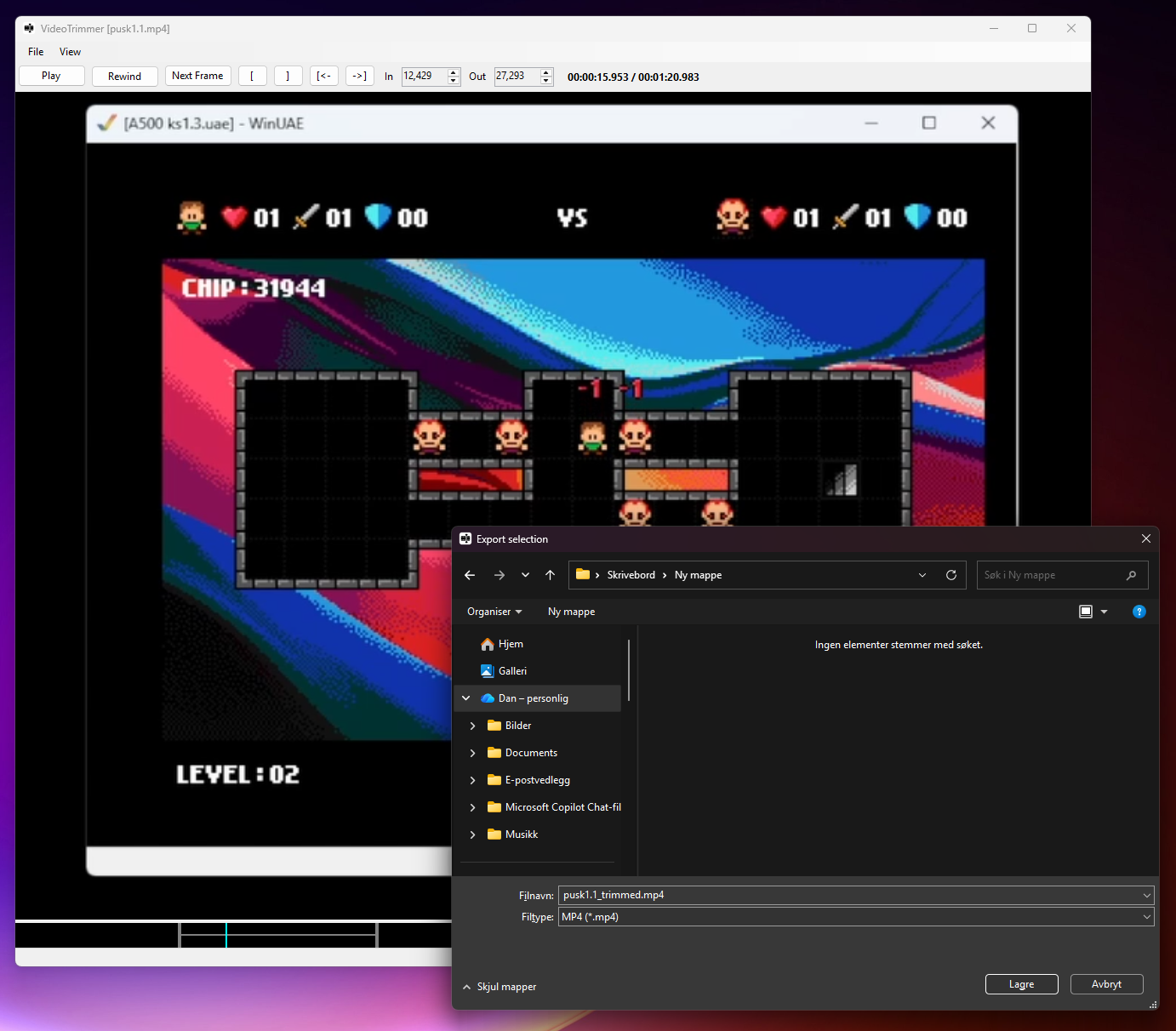
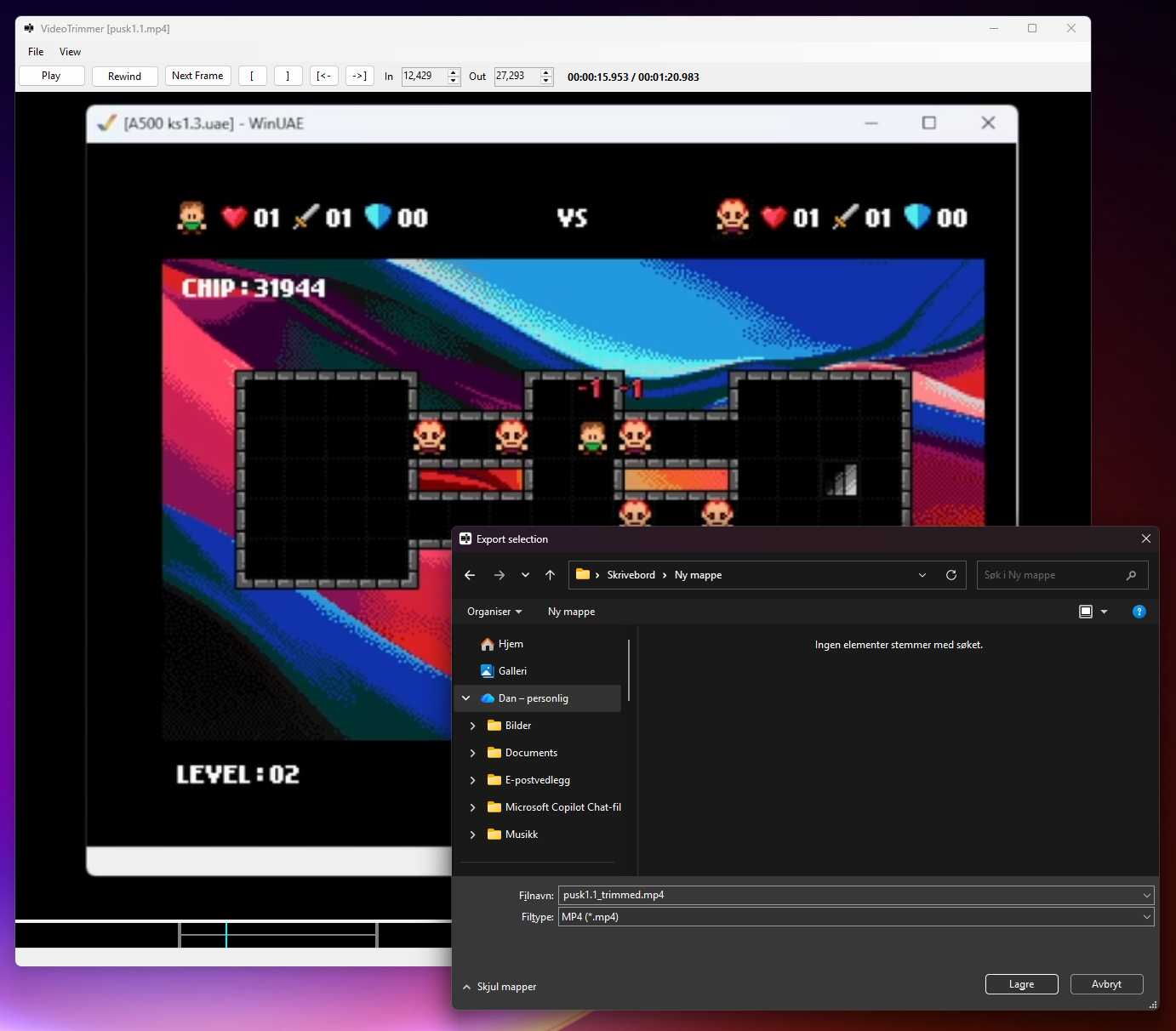
Enter VideoTrimmer! Open video (or drag/drop video) and set in-/outpoint and save selected region. Done. Simple as that!
It's a time saver for me.. Maybe for you also? :)
Note: Check the "Keyboard Shortcuts" menu for all the shortcuts which will greatly speed up the process.
Download
Click download now to get access to the following files:
Development log
- VideoTrimmer 0.6 - update2 days ago
- VideoTrimmer 0.5.5 - update3 days ago
- VideoTrimmer 0.5.4 - update3 days ago
- VideoTrimmer 0.5.3 - update4 days ago
Comments
Log in with itch.io to leave a comment.
very good
Awesome I gonna try it! I've used Avidemux for that purpose, but thought about making something simpler with a Bash or Python script. But obviously you've done that now already :D
I hope this works for you :) It definitely scratches an itch for me. One I've had a long time.
ffmpeg can cut your video from start - end selection if wanting a fast comand line option :)
Yeah, which is basically what I do here. I just made a simple front-end for it.
Ahh nice one!
I'm confused... does this run on Amiga? :D Just kidding, this looks super useful (my hacky solution has been to use Handbrake and manually type in offsets in seconds after seeking around in VLC ^_^). Any chance for a "portable" install that's just a .zip I can extract and run instead of having to give the installer administrator access?
Not for Amiga this time :D I just uploaded a zip for you! I hope you find it useful. If not, then please tell me why it wasn't :)
Just tried it now, it works wonderfully, thanks! Chances are high the next snippet of dungeon crawler gameplay posted to Discord will have been trimmed with this program =)
Haha :) I'm happy you like it!