zoopertracker
A downloadable tool for Windows, macOS, and Linux
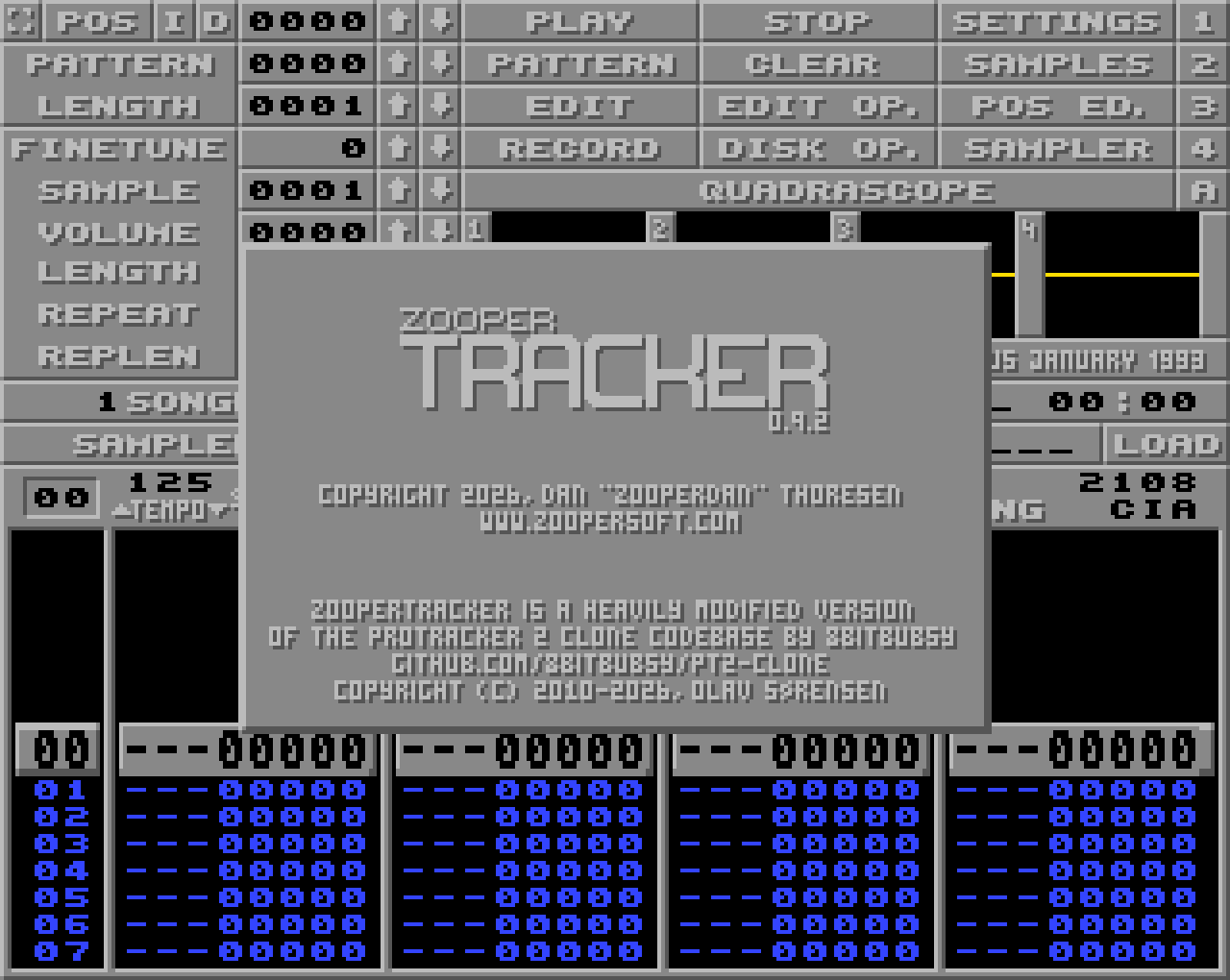
After using Protracker 2 clone (by 8bitbubsy) for a while I started missing some quality-of-life features and other things I was accustomed to from the original Protracker on Amiga. I started compiling a list of things that would be nice to have or things that needed a change. The list grew quite long and I -really- was longing for some of those features.
Fortunately pt2clone is open-source, so I grabbed the latest repo and started familiarizing myself with the codebase. Thanks to a very well coded and structured codebase it was not hard to get to a point where I could start implementing some of my own ideas.
I hope you like the changes I've made.
Any and all feedback is greatly appreciated. Please post bug reports in the forum thread.
You can also join our Discord server if you need help with something, report a bug, or just want to hang out.
(zoopertracker is based on v1.84 of ProTracker 2 clone.)
Major (new) features:
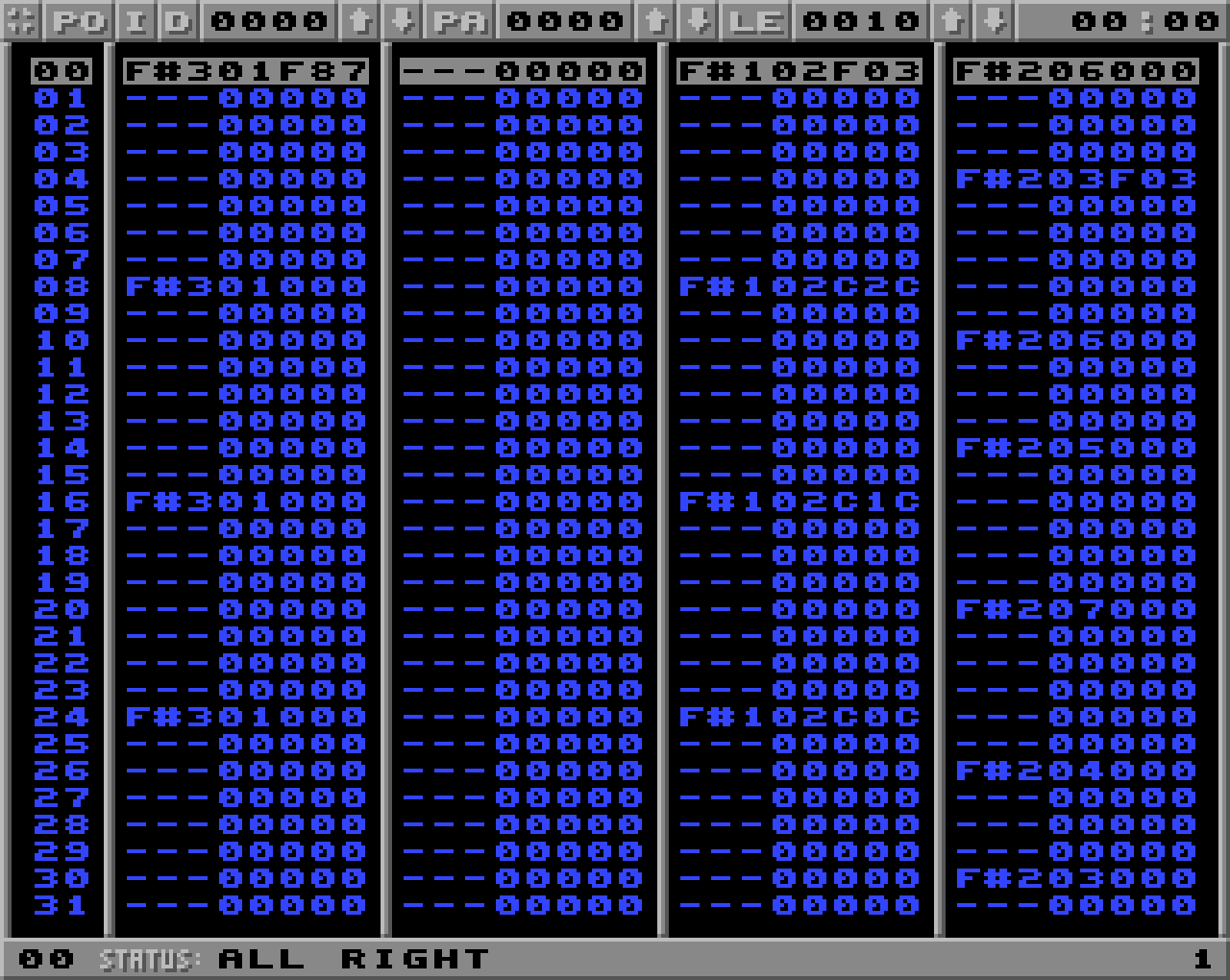
- Full screen pattern view.
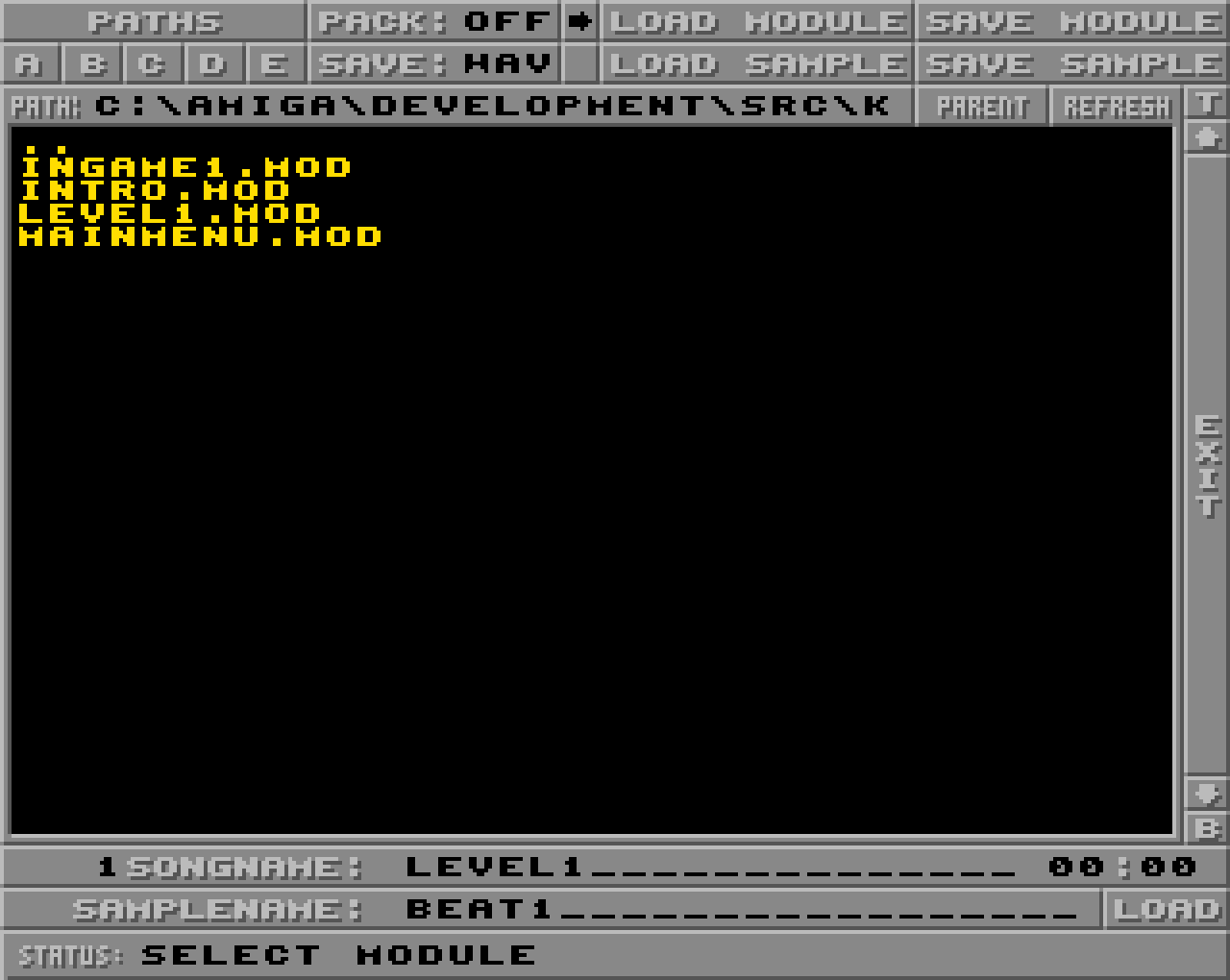
- Full screen disk op with extra features.
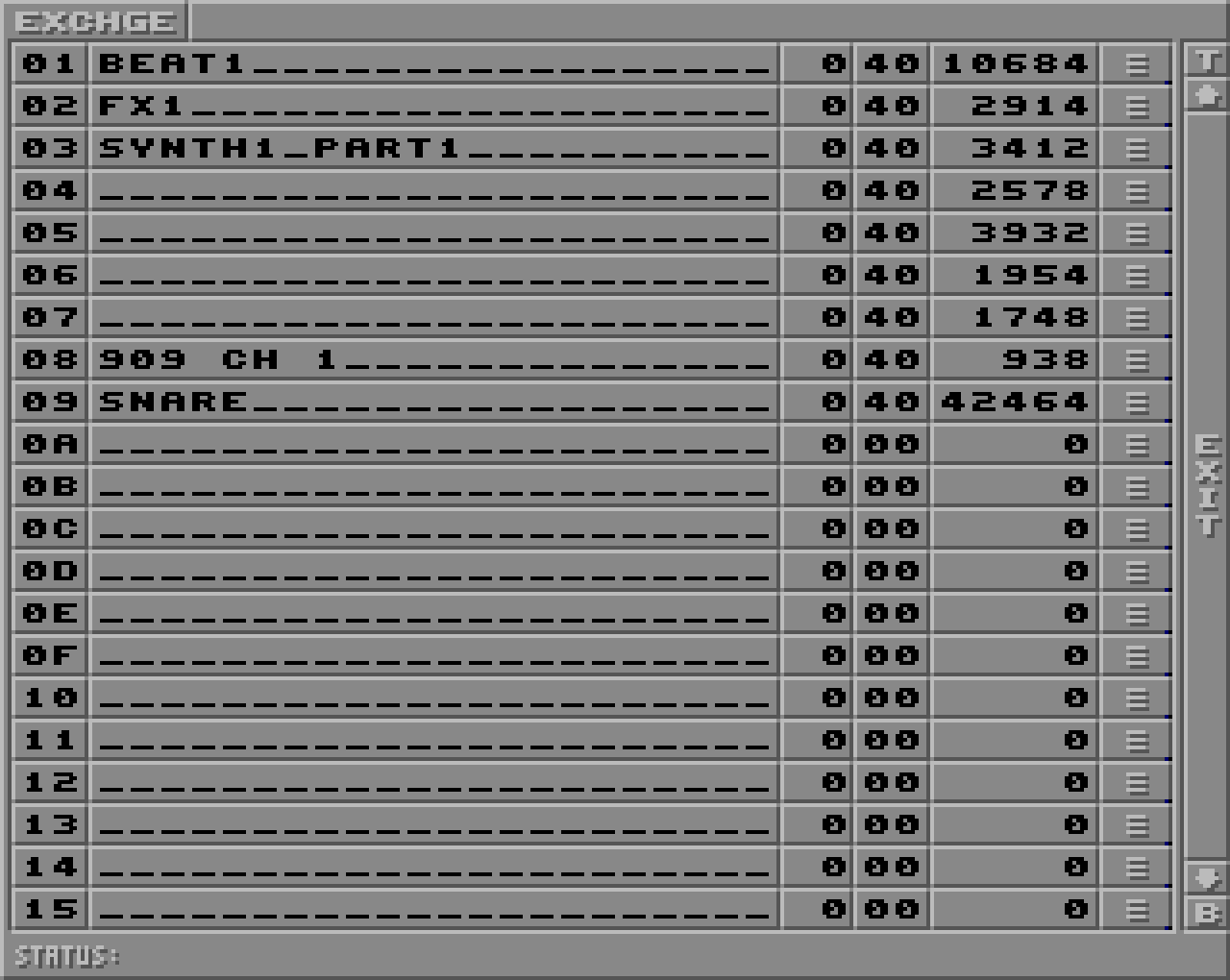
- A samples screen where you can view a list and organize the samples.
- A clean-up screen where you can remove unused module data.
- Draggable block selection + Copy/Cut/Delete
- Multilevel undo buffer for pattern edits.
- MIDI input. Use a MIDI keyboard to jam or input notes. (For now MIDI is configured in protracker.ini)
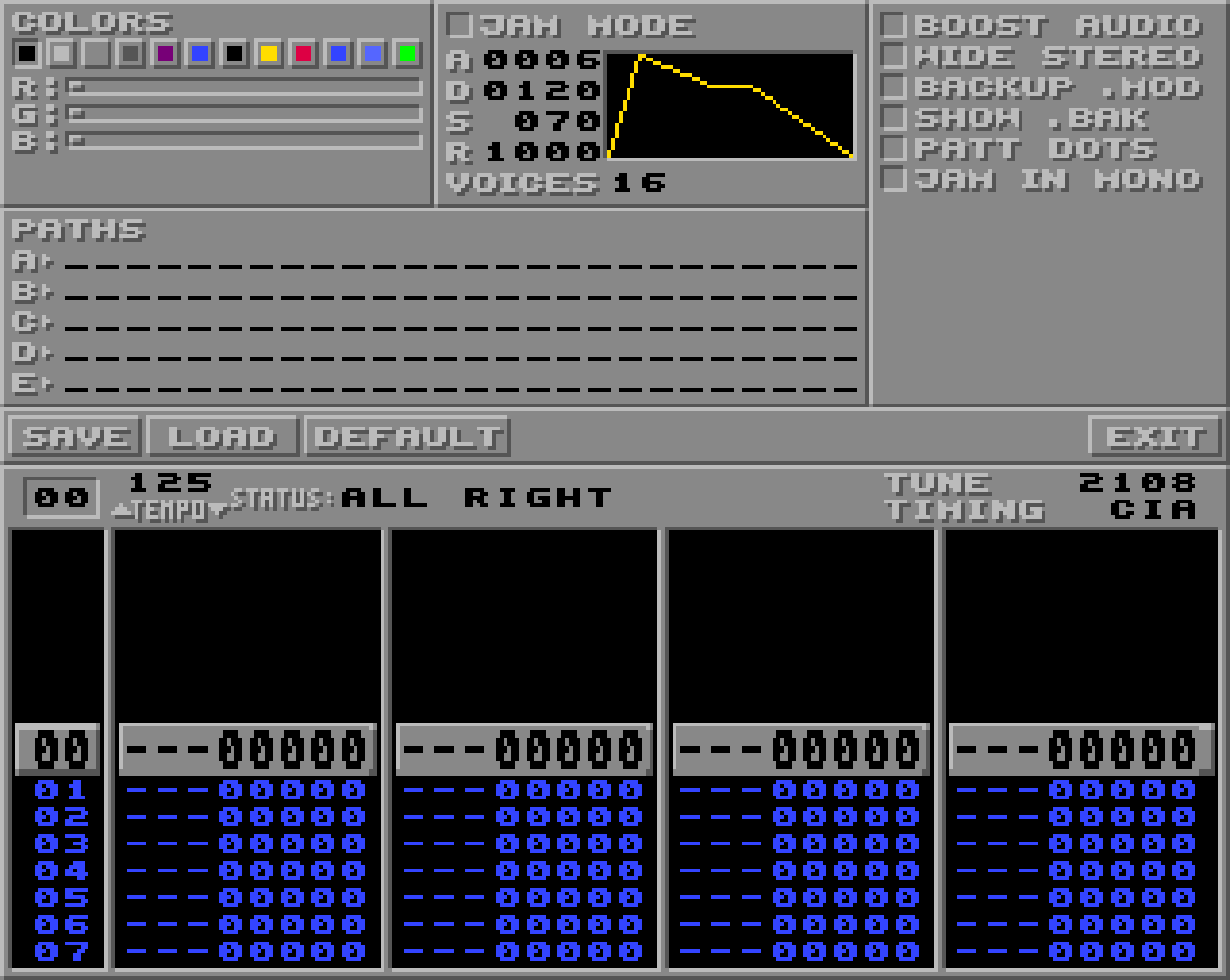
- Jam mode. A special mode which let you jam and improvise using 16 voices polyphony with configurable ADSR. (Jam mode works best with MIDI since certain key combinations don't work on computer keyboards).
- A settings screen where you can define work dirs, screen colors and many other settings.
...and much more!
The full change-log since pt2clone is located here.
Download
Click download now to get access to the following files:
Development log
- zoopertracker 1.3 - update19 days ago
- zoopertracker 1.2.1 - Linux fix79 days ago
- zoopertracker 1.2.1 - update80 days ago
- zoopertracker 1.2 - update90 days ago
- zoopertracker 1.1 - updateApr 20, 2026